
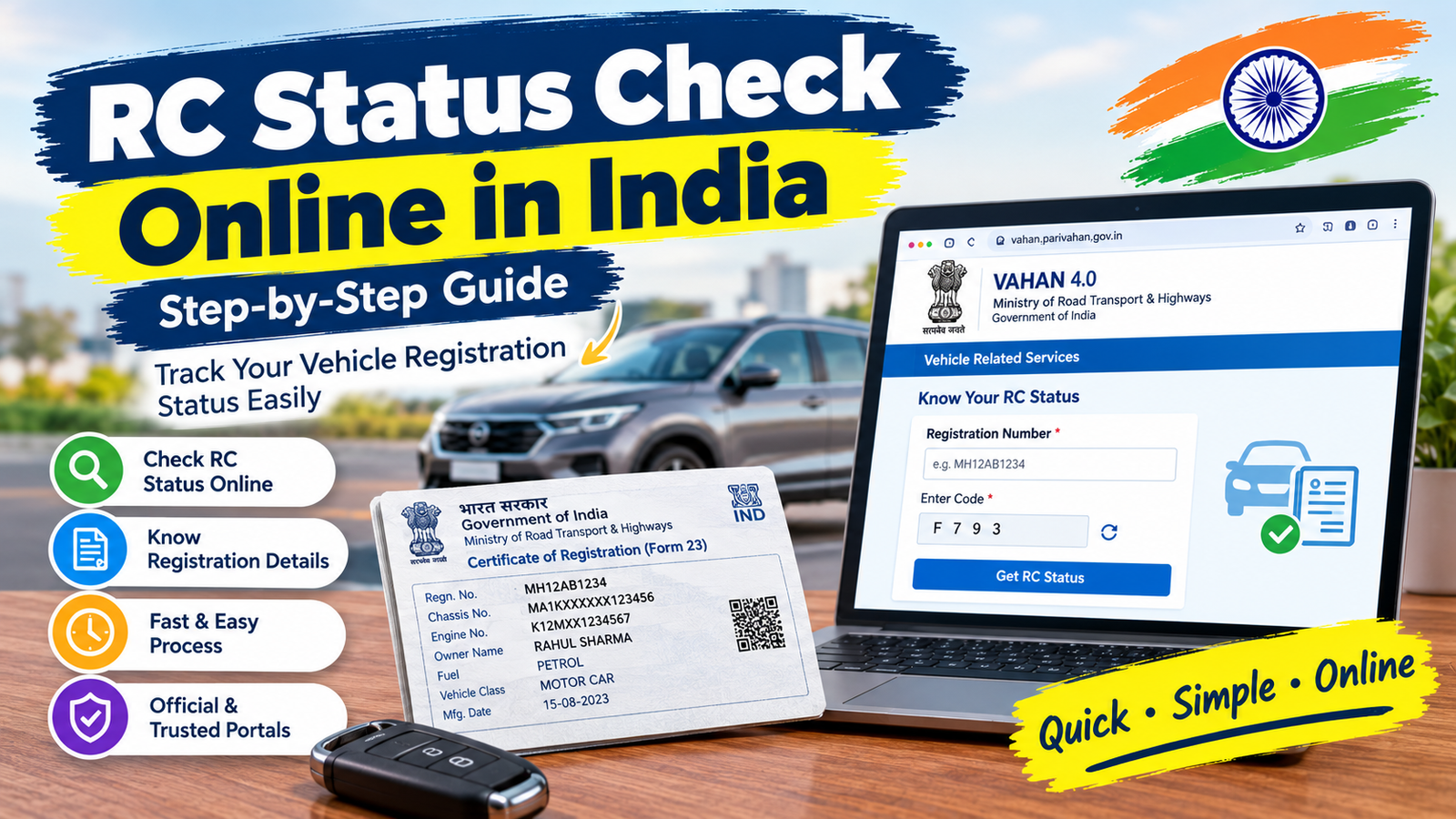
You sold your car months ago, or you just bought a second-hand one, and the RC transfer is still “in process”. Or you applied for a duplicate RC and have no idea whether it has been approved, dispatched or stuck. Many people end up visiting the RTO again and again just to ask a simple question.
The good news is that most of this can be checked from your phone. In this guide, we explain how to do an RC status check online: by vehicle number, by application number on the Vahan portal, and by receipt or transaction number. We also cover what to do when the status doesn’t update, stays pending or says no record was found.
CarJeevan is an independent information website and is not affiliated with any government body. Always use the official government portals for your applications, and check the portal for the latest menu names, because they can change.
Which Number Do You Have? Pick the Right Method
Before you start, decide which detail you have in hand. This saves a lot of confusion.
| What you have | What you can check | Where |
|---|---|---|
| Vehicle registration number | RC and vehicle details, and sometimes application status | Vahan “Know Your Vehicle Details” or mParivahan app |
| Application number | Progress of a pending RC transfer, duplicate RC or other application | Vahan “Know Your Application Status” |
| Receipt or transaction number | Whether a payment or transaction is pending, and a copy of the receipt | Vahan “Status” menu, pending transaction and receipt reprint options |
One point that causes a lot of mix-ups: checking an RC (the vehicle’s record) is not the same as tracking an application (a request you submitted, such as a transfer). The RC shows what is currently recorded. The application status shows how far your request has travelled.
How to Check RC Status by Vehicle Number
This is the quickest way to see what the system currently holds for your vehicle. This section covers the search phrase RC status check by vehicle number.
On the Vahan portal
- Open the official portal,
vahan.parivahan.gov.in. - Choose the Know Your Vehicle Details option from the services or status menu. The portal lets you check details using either your application number or your registration number, along with a captcha. spinny
- Type your registration number exactly as it appears on the plate, without spaces or dashes unless the page asks for them.
- Enter the captcha and submit.
You can usually expect basic vehicle information to appear, such as registration date, vehicle class and validity. The exact details shown can vary by state and portal version, and some personal details may be hidden.
On the mParivahan app
The government’s mobile app offers a similar check. Inside the app, you open Vehicle Related Services, go to Application Status, and search using either your application number or vehicle registration number. vehicleownersdetails
If your search by vehicle number shows nothing about your transfer, don’t panic. Many portals show the current RC record only, not the progress of a pending application. For that, you need your application number, covered next.
How to Check RC Transfer Status on the Vahan Portal
This part covers Vahan RC status check and RC transfer status by application number.
When you submit a transfer, duplicate RC or similar request online, you receive an application number. The usual route is Vehicle Related Services, then your state and RTO, then “Know Your Application Status”, where you enter the application number you received after submitting the transfer forms. apzomedia
Step by step
- Go to
parivahan.gov.inand open Online Services, then Vehicle Related Services. Alternatively, go straight tovahan.parivahan.gov.in. - Select your state.
- Select the RTO where your vehicle is registered or where the application was filed, then click Proceed.
- Open the Status menu and choose Know Your Application Status.
- Enter your application number or other accepted detail, fill in the captcha and submit.
- Take a screenshot or print the result for your records.
Always select the correct state and RTO. A search under the wrong RTO is one of the most common reasons for a “no record found” message.
How to Check Pending or Approved Status with an Application Number
Once you submit your application number, the page shows where it currently stands. The labels differ from state to state and the wording can change, but they generally follow a pattern like this:
| Typical status | What it usually means |
|---|---|
| Submitted or received | Your application and payment are recorded |
| Pending for document verification | The RTO is reviewing your uploaded documents |
| Pending at RTO or approval stage | An officer still needs to approve it |
| Approved | The request has been accepted and the record is being updated |
| RC printed or dispatched | The new RC has been printed or sent by post |
How to read the result
- Pending is not automatically a problem. It simply means someone still has to act on it. If it has been pending for a long time, see the troubleshooting section below.
- Approved means the record is updated, but the physical or digital RC may take some more time to reach you.
- Dispatched means it has left the RTO, and the status page may show a tracking detail you can use with the postal service.
Since timelines differ across states and RTOs, rely on the status shown on your application and not on a fixed number of days quoted on random websites. If you are worried, compare the date of your application with the delay and take the follow-up steps below.
How to Verify a Pending Transaction with a Receipt or Transaction Number
Sometimes the real problem is payment. You paid the fee, money left your bank account, but the application doesn’t move. This section covers RC status check by receipt or transaction number.
The official Parivahan help page describes two useful options under the Vahan “Status” menu. One is “Check Pending Transaction”, where you enter your registration number, the last five digits of the chassis number, or the transaction number. The other is “Reprint Receipt/forms”, where you select the application type and enter details such as the registration number and chassis number to print the receipt. parivahanparivahan
To check a pending transaction
- Open
vahan.parivahan.gov.in. - Go to Status, then Check Pending Transaction.
- Enter your registration number and the last five digits of the chassis number, or enter the transaction number if you have it.
- Open the pending transaction shown and follow the on-screen option to clear or verify it.
To get a copy of your receipt
- Go to Status, then Reprint Receipt/forms.
- Select the application type and the search method offered, such as application number, receipt number, transaction number or registration number. The exact options can vary.
- Enter the details and download or print the receipt.
Important rules when money is involved
- Don’t pay twice. Verify the first payment before you try again.
- Keep a screenshot of the bank debit message, the transaction ID or UTR and the date and time of payment.
- If a new payment is blocked, that is often because an earlier transaction for the same vehicle is still pending, and it must be settled first.
- If your menu shows a payment re-verification option, use it before contacting anyone.
What to Do If Status Is Not Updating, Pending or No Record Is Found
This is the part most people actually search for. Work through these checks in order, from simplest to most involved.
1. Status not updating
- Wait for some time and check again. Portals sometimes lag behind the actual office work.
- Make sure you are searching under the correct application number, state and RTO.
- Try on a different browser or device, and clear old data if the page keeps loading the same result.
2. Application stays pending for a long time
- Check whether the portal is asking for something you missed, such as a document upload, a physical verification or an inspection.
- Confirm that the fee payment shows as successful and not pending.
- Make sure both parties have completed their parts, since a transfer often needs action from both seller and buyer.
- Visit or contact the RTO with your acknowledgement, fee receipt, application number and original documents, and ask what is holding it up.
3. “No record found” or “details not available”
Run through these common causes:
- A typing mistake in the registration, application or chassis number
- Wrong state or RTO selected
- Searching the vehicle number when you should use the application number, or the other way round
- The application was never fully submitted because payment did not complete
- A very recent update that has not yet reached the system
- An older vehicle record that has not been fully updated online
- A vehicle moved between states, which may follow a different process
If none of this helps, ask the RTO to confirm whether the record exists in their system.
4. Keep a paper trail
Whatever the problem, keep these ready:
- Application number and acknowledgement
- Fee receipt and transaction ID
- Screenshots of the status page with date and time
- Copies of the old RC, sale documents and ID proofs
- A written note of every call or visit, including the name of the person you spoke to
5. Use the official support channels
Use the grievance or helpdesk options provided on the official Parivahan portal or your state transport department’s website, and attach the details above. Escalate in order: RTO counter, then the senior officer, then the portal’s online grievance option.
Stay Safe: Avoid Fake Status Check Sites
Searches for RC status bring up many lookalike websites and apps. To stay safe:
- Use only official addresses ending in
parivahan.gov.in, or your state transport department’s website. - Don’t pay anyone who promises to “speed up” a status or transfer.
- Never share OTPs, bank details or card PINs with callers claiming to be from the RTO.
- Be careful with third-party apps that ask for broad phone permissions.
- Checking status on the official portal is free.
Common Mistakes to Avoid
- Entering the vehicle number where the application number is needed
- Choosing the wrong state or RTO
- Making a second payment before verifying the first
- Not saving the application number and receipt
- Assuming “pending” means “rejected”
- Relying on third-party sites instead of the official portal
- Waiting months before following up
Quick Checklist
- Do I have the right number: vehicle, application or transaction?
- Did I select the correct state and RTO?
- Did I check the status on the official portal?
- Does the payment show as successful?
- Have I saved screenshots and receipts?
- Did I check for missing documents or required actions?
- Have I contacted the RTO with all papers if it remains stuck?
FAQs
Is RC status check online free?
Yes. Checking vehicle details or application status on the official portal does not cost anything. Be wary of any site that asks you to pay for a basic status check.
Can I check RC transfer status without an application number?
You can try searching with the vehicle registration number or chassis details, depending on the option available, but the application number gives the most accurate progress. If you lost it, check your email, SMS or fee receipt, or ask the RTO.
What does “pending” mean?
It means the application has not yet been completed. It could be waiting for document verification, an officer’s approval or a payment settlement. It does not mean it has been rejected.
How long does an RC transfer take?
It varies by state and RTO, and by how quickly both sides complete their steps. Instead of waiting for a fixed number of days, check the stage shown on your application and follow up if it hasn’t moved.
Is the mParivahan app official?
Yes, it is the government’s mobile app. Download it only from the official app store listing and check the developer name.
What if the receipt or transaction number doesn’t work?
Check for typos, remove extra spaces, make sure you’re using the right search type and try the pending transaction option using the registration number and last five digits of the chassis number.
Should I pay again if the status shows payment pending?
No. Verify the first payment first, because a second payment can create a duplicate or a refund delay.
Final Thoughts
An RC status check online comes down to using the right number in the right place. Use your vehicle number for the vehicle record, your application number for a pending transfer or similar request, and your receipt or transaction number to verify payment. If the result is pending or missing, check the basics first, keep your paperwork together and follow up with the RTO calmly. Doing this will save you many wasted trips.

Through CarJeevan,prashant bobde aims to make confusing automotive information easier to understand. The website focuses on practical questions that car owners face, such as how to compare garage quotations, understand parts and labour charges, review additional fees, and identify the right questions to ask before approving a repair.
CarJeevan also provides a free Car Repair Estimate Calculator and Garage Quote Comparator that helps users organise and compare two repair quotations using the information provided by the user.
The editorial approach focuses on clear explanations, practical examples, and transparent limitations. Where appropriate, articles refer to official information, manufacturer guidance, policy documents, and other reliable sources. Illustrative examples are identified as examples rather than presented as actual market prices.
CarJeevan does not claim to diagnose vehicle faults or independently verify every garage’s prices. Readers are encouraged to consult a qualified automotive professional for mechanical inspections and safety-related repair decisions.
The goal is simple: to help Indian car owners understand repair costs better, ask informed questions, and make decisions with greater clarity.
Website: https://carjeevan.com/